Ubuntu and Debian
Jarvis for Linux
Jarvis Desktop ships a Linux build as a single AppImage for x86_64. It is the same assistant as on Windows and Mac: voice, computer control, widgets, smart home and workshop machines.
- 6,357 downloads
- Windows, Mac & Linux
- Free voice minutes, no card
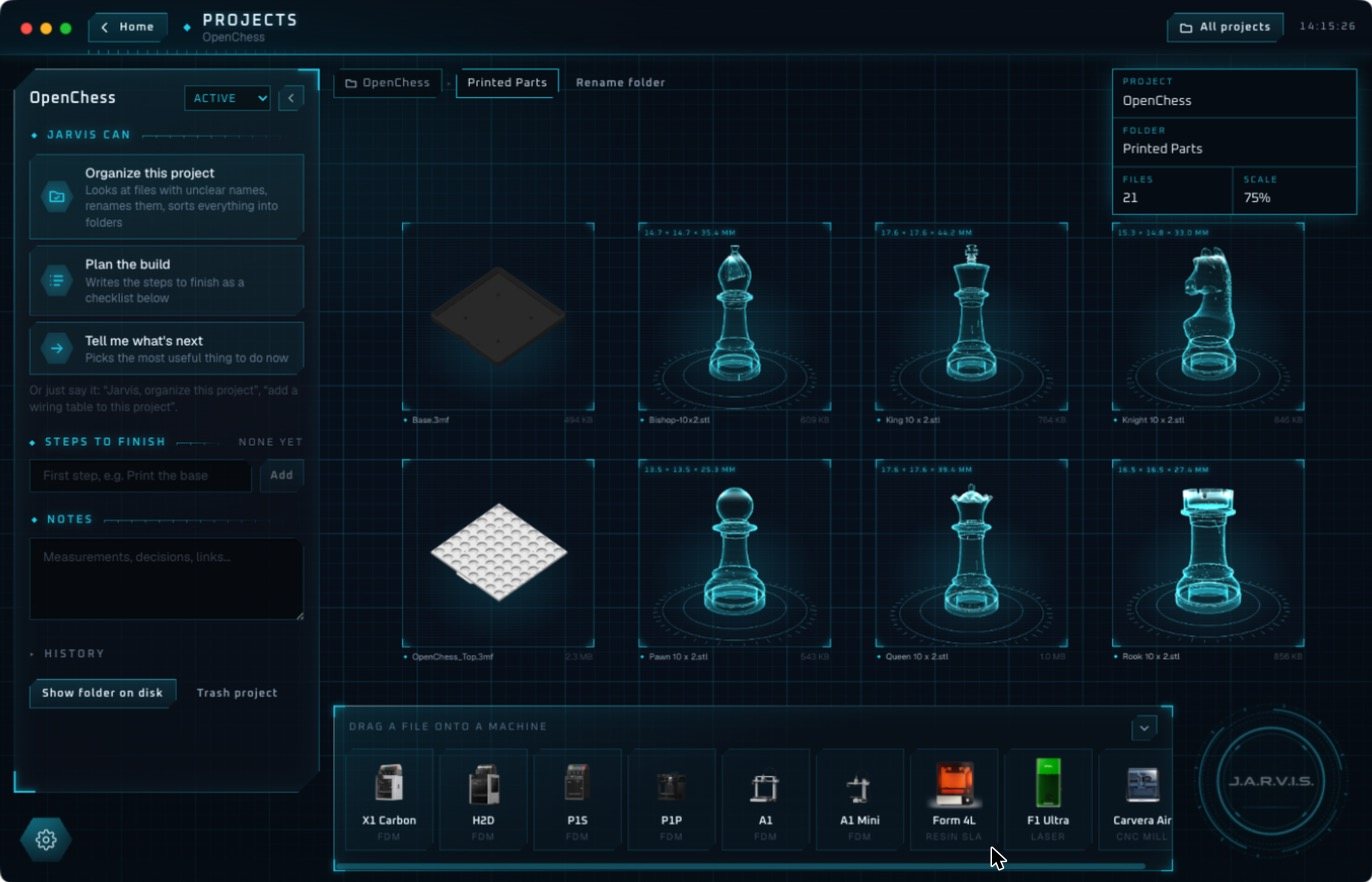
Install Jarvis on Linux
- Open the download page and choose Download for Linux.
- Make the file executable:
chmod +x Jarvis-*.AppImage - Run it:
./Jarvis-*.AppImage - Sign in or create an account, then tap the core or say “Jarvis”.
What it needs
- Ubuntu 20.04 or later, or Debian 11 or later
- x86_64 architecture
- 4 GB of RAM and about 500 MB of disk space
- A working microphone and an internet connection
Why a packaged app instead of a GitHub project
Linux users have plenty of open-source “Jarvis” projects to choose from. Most are Python scripts that you clone, configure and wire to a speech service and a model yourself. That is a good weekend if building is the point. If you want an assistant that already works, the AppImage is one file.
We compare the two honestly in Jarvis Desktop vs open-source Jarvis projects.
The download is free, and a new account gets free voice minutes with no card. After that a plan keeps Jarvis running: Regular is $19 a month and Pro is $29 a month. The details are on pricing.
Questions people ask
Does Jarvis run on Linux?
Yes. Jarvis Desktop has an AppImage for x86_64 that runs on Ubuntu 20.04+ and Debian 11+.
Is Jarvis Desktop open source?
No. It is a commercial app from Concept Bytes with free voice minutes to try it. If you want to build your own, our build guide explains the parts.
Does it work on ARM or Raspberry Pi?
The Linux build is for x86_64. There is no ARM Linux build at the moment.
Keep reading
Jarvis Desktop is made by Concept Bytes. It is an independent product and is not affiliated with, endorsed by or connected to Marvel or Disney.