Smart home
A Jarvis for your smart home
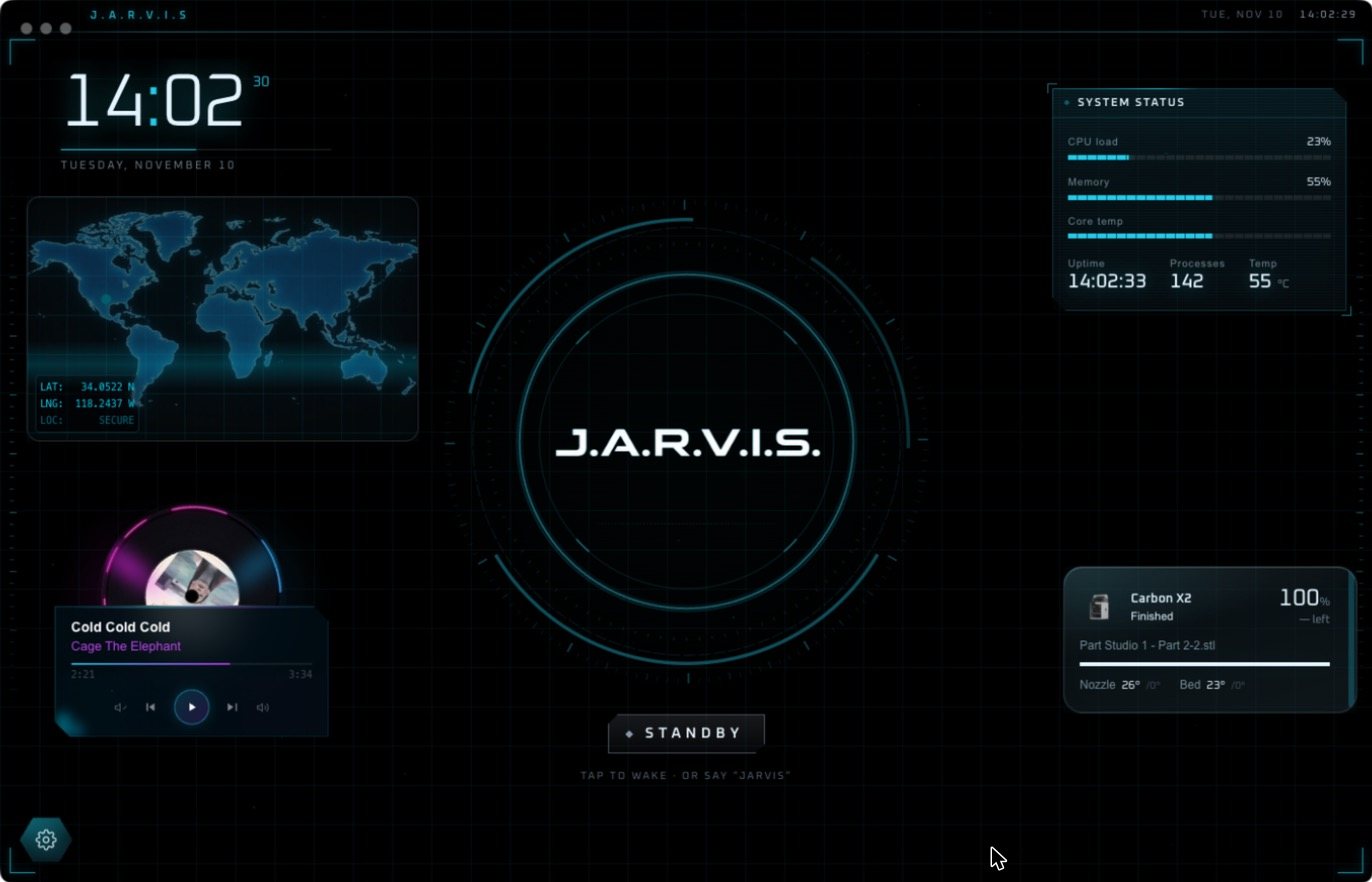
Jarvis Desktop connects to Home Assistant, so the lights, locks and switches you already have answer to his voice. Your home appears on its own page in the HUD, next to everything else he runs.
- 6,357 downloads
- Windows, Mac & Linux
- Free voice minutes, no card
What you can do
- “Jarvis, turn off the workshop lights.”
- “Lock the front door.”
- “Start the fume extractor and dim the lights to thirty percent.”
- See and switch your devices from the Smart Home page.
- Put a device’s control on the home screen as a widget.
Why Home Assistant
Home Assistant is the open-source hub that works with thousands of device brands and runs in your own home. By connecting to it, Jarvis reaches whatever you have already set up, without asking you to move to a new ecosystem. If you do not use Home Assistant yet, you will need it for the smart home features.
More than a voice remote
Home Assistant has its own voice assistant, and it is a good one for speakers around the house. Jarvis adds what a speaker cannot: a screen, your computer, and your workshop. The same sentence can dim the lights, start a print and put the camera on screen.
How that compares with a smart speaker is in Jarvis vs Alexa.
Set it up
- Download Jarvis and sign in.
- Open the Smart Home page and connect your Home Assistant.
- Say “Hey Jarvis” and ask for a light.
Questions people ask
Can Jarvis control my smart home?
Yes. Jarvis Desktop controls lights, locks, switches and other devices through Home Assistant.
Do I need Home Assistant?
Yes, for the smart home features. Jarvis connects to your existing Home Assistant setup.
Does Jarvis work with Alexa or Google Home devices?
Jarvis reaches devices through Home Assistant. If a device works with Home Assistant, Jarvis can control it.
Keep reading
Jarvis Desktop is made by Concept Bytes. It is an independent product and is not affiliated with, endorsed by or connected to Marvel or Disney.