Hey Jarvis
“Hey Jarvis”
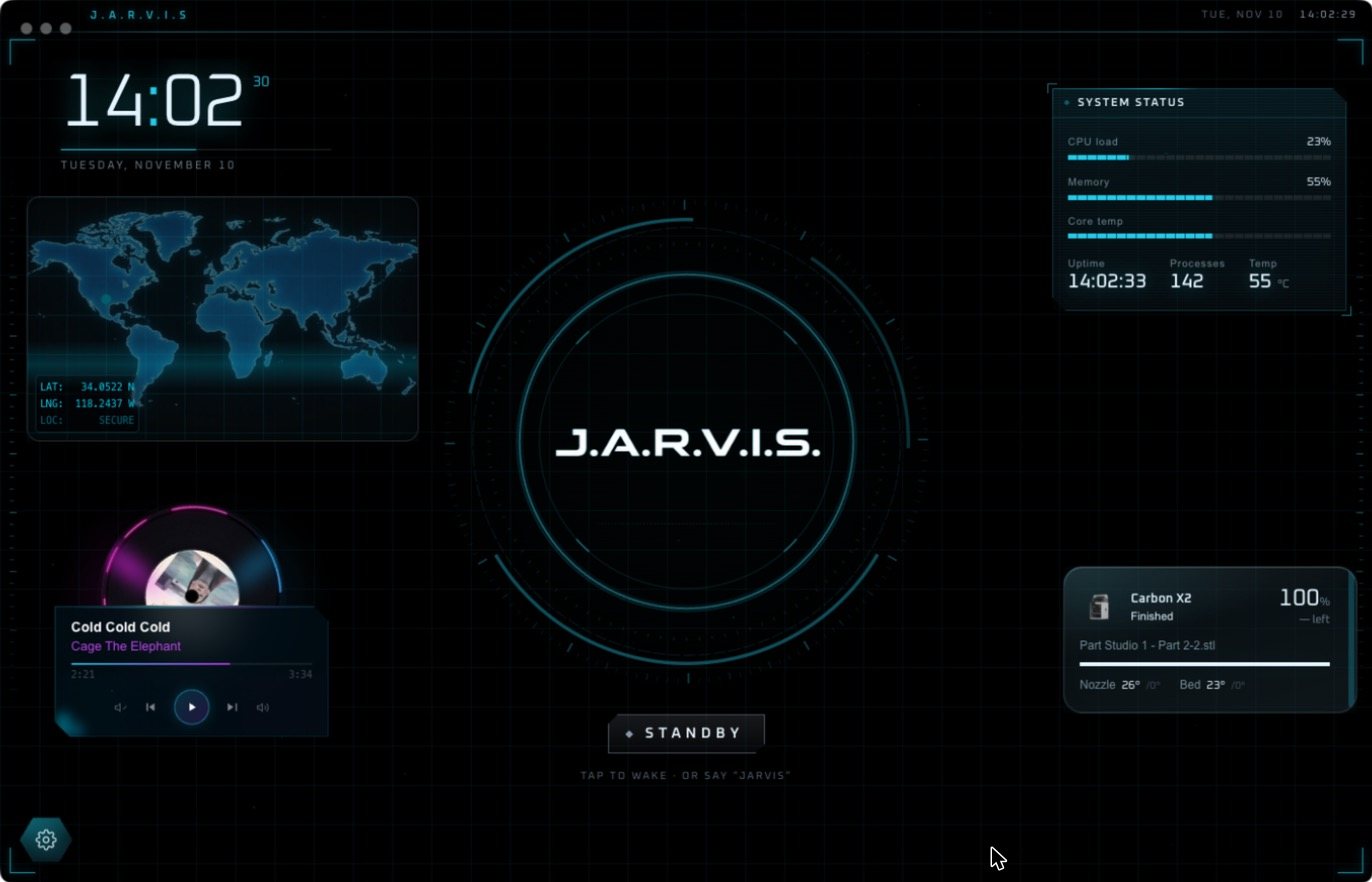
Two words wake him. Say “Hey Jarvis” from across the room and Jarvis Desktop starts listening, with no button and no keyboard. Here is how it works and how to get it.
- 6,357 downloads
- Windows, Mac & Linux
- Free voice minutes, no card
How the wake word works
- A small listening model runs on your own computer and waits for one thing: “Hey Jarvis”.
- Until it hears that, nothing you say is sent anywhere.
- When it does, the core lights up and a real-time conversation starts.
- You can also tap the core to wake him without speaking.
After he wakes
You talk normally. There is no need to repeat the wake word for each sentence while the conversation is going. Ask a follow-up, change your mind, or tell him to stop. Recent versions can also run his hearing and his voice on your own computer.
Getting a good result
- Use a decent microphone, or sit within a couple of metres of a laptop mic.
- Allow microphone access when your system asks.
- If he wakes too easily or not easily enough, adjust the sensitivity in Settings.
- The Audio Lab page lets you test what he hears.
Get “Hey Jarvis” on your computer
Download Jarvis Desktop for Windows, Mac or Linux. The wake word is included. New accounts get free voice minutes.
Questions people ask
Can I say “Hey Jarvis” to my computer?
Yes. With Jarvis Desktop installed, saying “Hey Jarvis” wakes the assistant and starts a voice conversation.
Is Jarvis always listening?
A small model on your own computer listens only for the wake word. Your speech is not sent anywhere until you wake him.
Can I change my Alexa or Google wake word to Jarvis?
Some smart speakers let you pick from a short list of wake words. That changes the name only. Jarvis Desktop is a separate assistant with its own abilities.
Keep reading
Jarvis Desktop is made by Concept Bytes. It is an independent product and is not affiliated with, endorsed by or connected to Marvel or Disney.