Voice control
Control your PC with your voice
Older voice control made you memorize commands. Jarvis Desktop understands plain speech, so you say what you want the way you would say it to a person, and he works out the steps.
- 6,357 downloads
- Windows, Mac & Linux
- Free voice minutes, no card
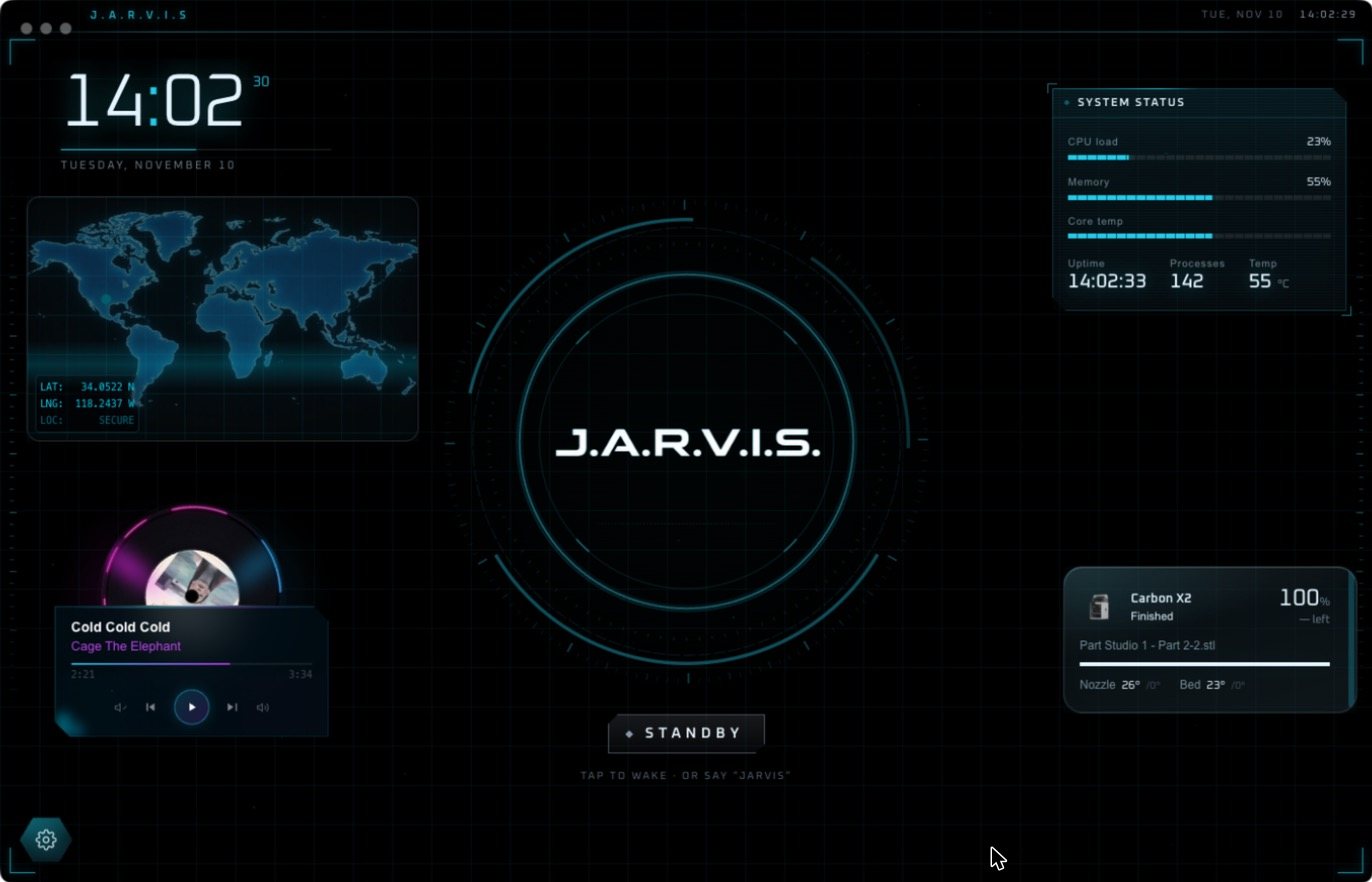
What you can say
- “Jarvis, open my CAD file and export it as an STL.”
- “Find the invoice from last week and add the meeting to my calendar.”
- “Play something for the workshop.”
- “How’s my print going?”
- “Dim the workshop lights to thirty percent.”
- “Clear the screen.”
Commands versus conversation
The accessibility tools built into Windows and macOS map exact phrases to fixed actions. They are excellent for dictation and for moving the pointer by voice, and they are free.
Jarvis is a different kind of tool. There is no command list. He understands the request, plans the steps, carries them out and tells you what happened. If a step fails he tries another way instead of giving up.
Hands-free from across the room
Say “Hey Jarvis” to wake him. The wake word is detected on your own computer, so nothing is sent anywhere until you call him. More on that in the Hey Jarvis wake word.
Set it up
Questions people ask
Can I control my computer with my voice?
Yes. With Jarvis Desktop you speak naturally and he opens apps, runs tasks and controls connected devices on Windows, Mac and Linux.
Do I have to learn voice commands?
No. Jarvis understands ordinary speech. You describe what you want and he works out the steps.
Is Jarvis an accessibility tool?
Jarvis is a general assistant, not a certified accessibility product. For dictation and pointer control, the voice tools built into Windows and macOS are designed for that purpose.
Keep reading
Jarvis Desktop is made by Concept Bytes. It is an independent product and is not affiliated with, endorsed by or connected to Marvel or Disney.