Windows 11 and 10
Download Jarvis for Windows
Jarvis Desktop runs on Windows 10 (64-bit) and Windows 11. You download one setup file, run it, sign in and start talking. No Python, no API keys and no model to train.
- 6,357 downloads
- Windows, Mac & Linux
- Free voice minutes, no card
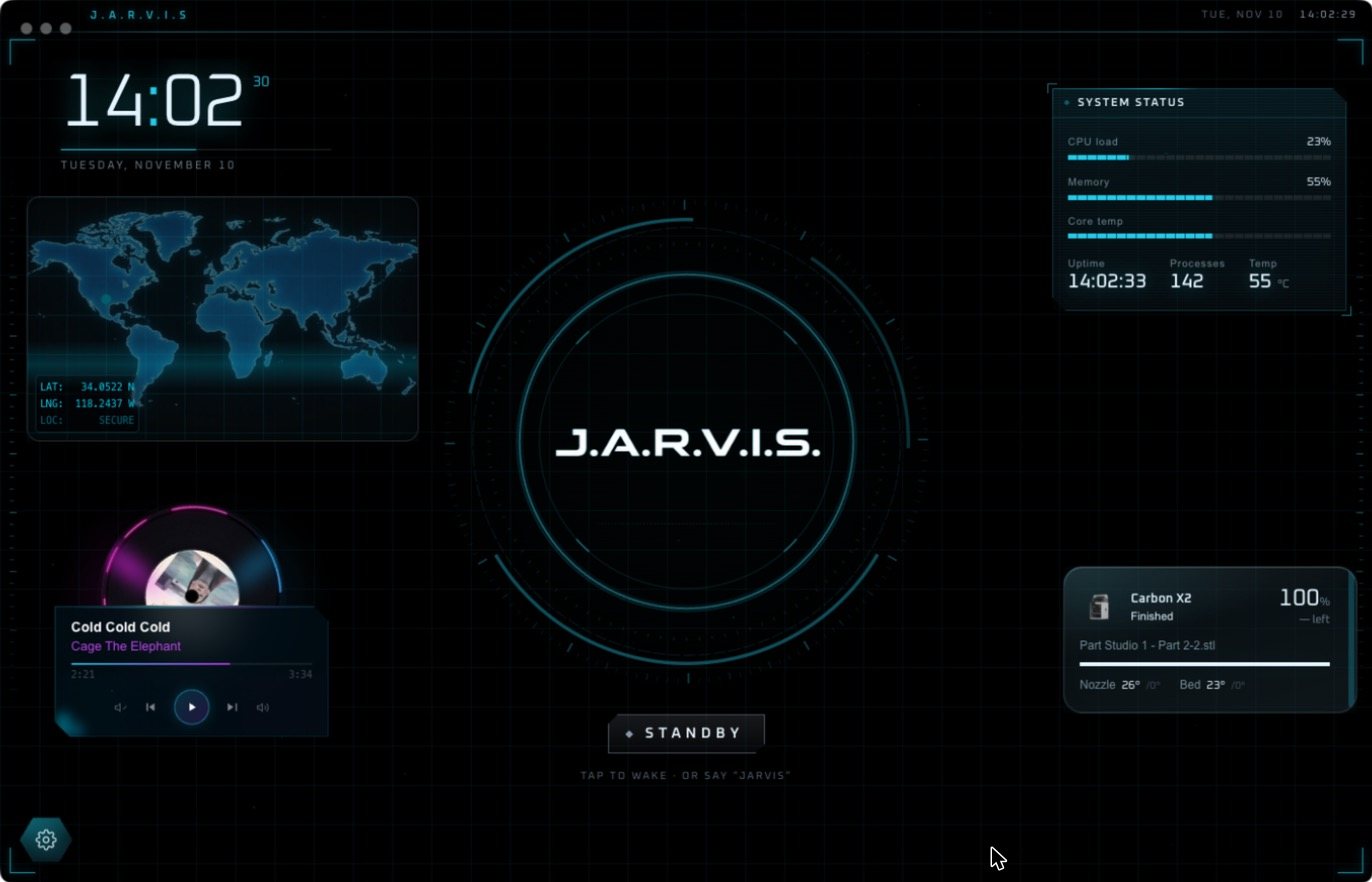
Install Jarvis on Windows, step by step
- Open the download page and choose Download for Windows.
- Run the
.exesetup file. Windows may ask you to confirm that you want to run it. - Open Jarvis from the Start menu. A short tour shows you around.
- Sign in, or create an account. New accounts get free voice minutes with no card.
- Tap the core or say “Jarvis”. Try “Jarvis, what’s a Raspberry Pi?” and watch him build the screen.
What your PC needs
- Windows 10 (64-bit) or Windows 11
- An Intel or AMD 64-bit processor
- 4 GB of RAM
- About 600 MB of disk space
- A microphone and speakers, and an internet connection
What Jarvis does on a Windows PC
- Talks with you. Real-time voice, with a wake word, so you can ask without touching the keyboard.
- Does the clicking. He opens apps and runs multi-step tasks as commands on your PC, and reports only what he verified.
- Asks first. Before he deletes, force-quits, installs or overwrites anything, he stops and shows you exactly what will run.
- Builds the screen. Ask about a topic and he opens a deck of live widgets around the core: charts, pictures, diagrams, news.
- Runs your gear. Smart home devices through Home Assistant, plus 3D printers, lasers and CNC mills.
The download is free, and a new account gets free voice minutes with no card. After that a plan keeps Jarvis running: Regular is $19 a month and Pro is $29 a month. The details are on pricing.
Questions people ask
Does Jarvis work on Windows 11?
Yes. Jarvis Desktop runs on Windows 11 and on Windows 10 (64-bit).
Does Jarvis work on Windows 7 or 8?
No. Jarvis Desktop needs Windows 10 (64-bit) or later.
Do I need Python or coding to install Jarvis on Windows?
No. It is a normal Windows installer. You run the setup file and sign in. Nothing to compile and no API keys to enter.
Can Jarvis control my Windows PC?
Yes. He can open apps and carry out multi-step tasks on the PC. Risky actions such as deleting or installing need your approval on screen first.
Keep reading
Jarvis Desktop is made by Concept Bytes. It is an independent product and is not affiliated with, endorsed by or connected to Marvel or Disney.