Official download
Jarvis download for Windows, Mac and Linux
This is the official place to download Jarvis Desktop, a working AI voice assistant for your computer. Pick your system, run the installer, sign in and say “Jarvis”. It takes about five minutes.
- 6,357 downloads
- Windows, Mac & Linux
- Free voice minutes, no card
Choose your installer
- Windows: a
.exesetup file for Windows 10 (64-bit) or later. Windows install steps. - Mac: a
.dmgfor macOS 11 or later, with separate builds for Apple Silicon and Intel. Mac install steps. - Linux: an
.AppImagefor Ubuntu 20.04+ and Debian 11+. Linux install steps.
All three are on the download page, which spots your system and puts the right button first. Every button serves the newest release.
What you are downloading
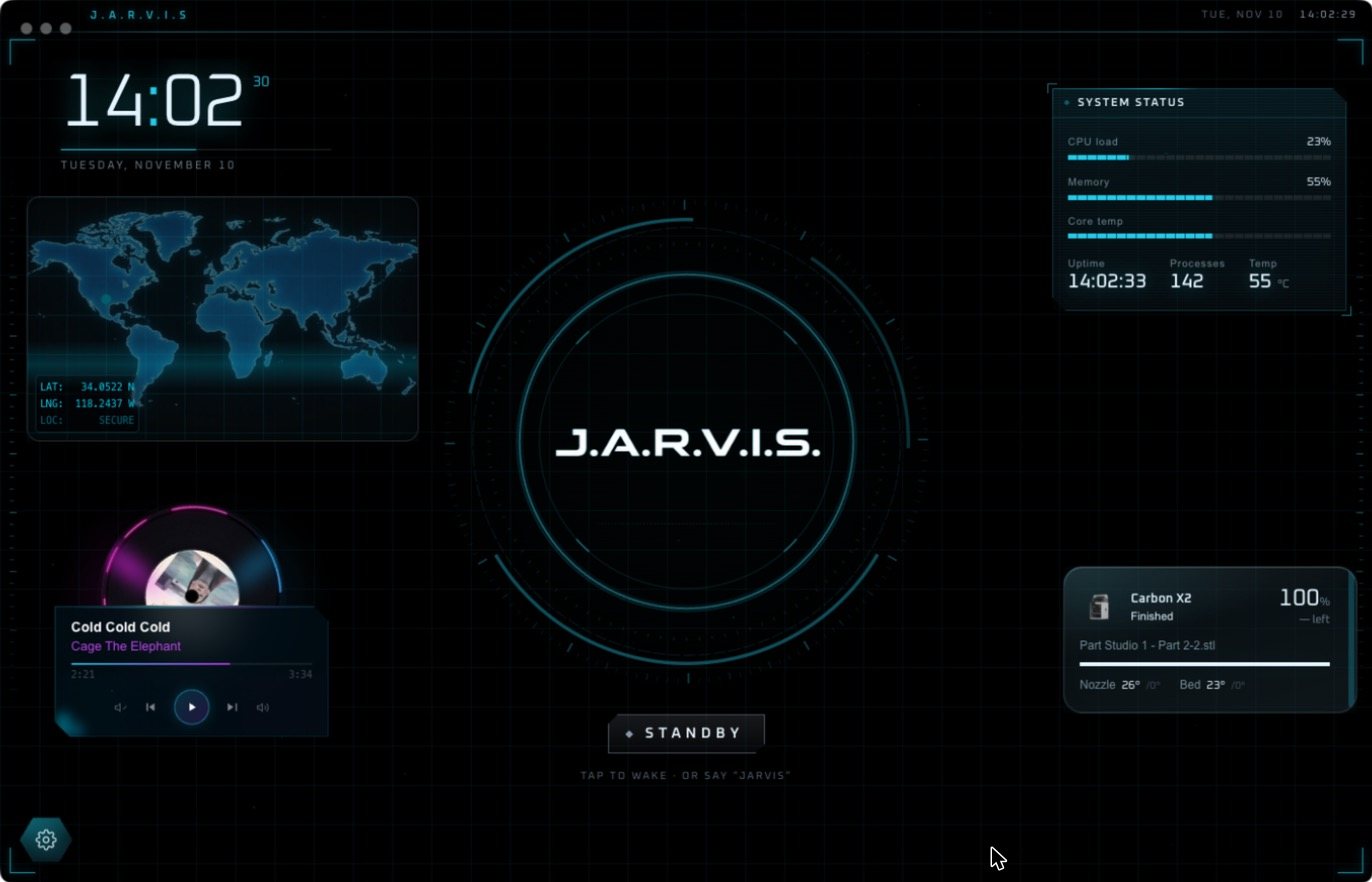
Jarvis Desktop is a finished app, not a script or a theme. You talk to it and it talks back in real time. It can open apps and carry out multi-step jobs on your computer, build live widgets on screen for what you asked, control smart home devices, and run a workshop of 3D printers, lasers and CNC mills.
Many older results for “Jarvis download” lead to abandoned programs or code you have to assemble yourself. One widely listed “Jarvis” for Windows was last updated in 2009 and only predicts what you are doing, by its own reviewer’s account. This one is current: see what is new in the latest release.
After the download
- Run the installer. On Mac, drag Jarvis into Applications.
- Open Jarvis. He boots and gives you a short tour.
- Sign in or create an account. There are no API keys to set up.
- Tap the core or say “Jarvis”, then ask for something.
The download is free, and a new account gets free voice minutes with no card. After that a plan keeps Jarvis running: Regular is $19 a month and Pro is $29 a month. The details are on pricing.
Questions people ask
Where can I download Jarvis?
From jarvisdesktop.com/download. That is the official source for Jarvis Desktop, made by Concept Bytes, with installers for Windows, Mac and Linux.
Is the Jarvis download free?
The download is free and a new account includes free voice minutes with no card required. To keep using Jarvis after that you choose a plan: Regular is $19 a month and Pro is $29 a month.
Which version of Jarvis will I get?
The download buttons always serve the newest release for your system. The What's New page lists what changed.
Is this the Jarvis from the films?
No. Jarvis Desktop is an independent product from Concept Bytes, inspired by the idea of a talking computer assistant. It is not affiliated with Marvel or Disney.
Keep reading
Jarvis Desktop is made by Concept Bytes. It is an independent product and is not affiliated with, endorsed by or connected to Marvel or Disney.