Jarvis vs J.A.R.V.I.S
Jarvis Desktop vs J.A.R.V.I.S on the Microsoft Store
The Microsoft Store lists an app called J.A.R.V.I.S, from jarvis.institute. It is a different product from Jarvis Desktop. Both can act on your PC. They differ on what is included, where they run and what they control.
- 6,357 downloads
- Windows, Mac & Linux
- Free voice minutes, no card
Side by side
| Assistant | Runs on | Talks with you | Acts on your computer | Smart home | Workshop machines | Price |
|---|---|---|---|---|---|---|
| Jarvis Desktop (Concept Bytes) | Windows, Mac, Linux | Yes, real time, “Hey Jarvis” wake word | Yes, runs tasks on your computer, with approval prompts | Yes, built in, through Home Assistant | 3D printers, lasers, CNC mills | Free minutes, then $19 or $29 a month. No keys or models to set up |
| J.A.R.V.I.S (jarvis.institute, Microsoft Store) | Windows 10 and 11, with an Android companion | Yes, “Hey Jarvis”, labelled beta | Yes, 70+ tools with approval gates | Not listed | Not listed | $9.99 one time (limited-time offer). You bring AI keys or local models |
Facts about other products were checked in November 2026 against each maker’s own site or the sources below. “Not listed” means the source does not mention the feature, not that the product lacks it. Products change, so check the maker’s site before you decide.
Where Jarvis Desktop is stronger
- The AI is included. You sign in and talk. With J.A.R.V.I.S you supply your own AI provider keys or run local models, and its site notes those providers may charge separately.
- Mac and Linux. Jarvis Desktop runs on all three systems. J.A.R.V.I.S is a Windows app; its site lists macOS and Linux as coming soon.
- Voice is the main way in. J.A.R.V.I.S labels its voice mode beta.
- Home and workshop. Home Assistant devices, 3D printers, lasers and CNC mills. Its feature list does not mention smart home.
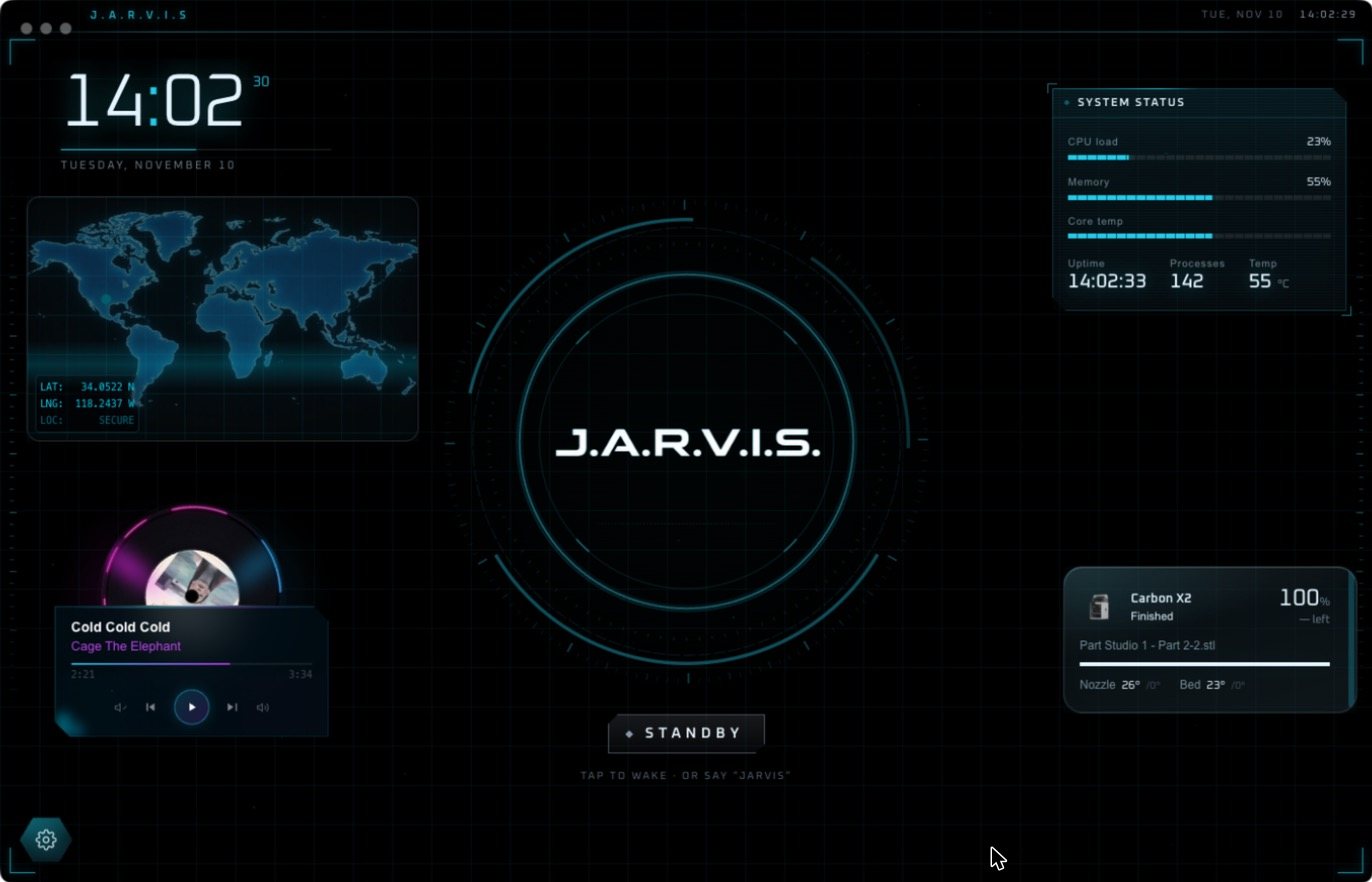
- A full-screen HUD with widgets that build around what you ask.
Where J.A.R.V.I.S is stronger
- One-time price. $9.99 at the time of writing, described as a limited-time offer, with no app subscription.
- Choice of model. Use the AI provider you prefer, or keep everything local with a strict privacy mode.
- Developer tools. Git, Docker and a command line are part of its tool list.
- An Android companion for reaching your PC remotely.
Which should you choose?
If you are comfortable getting API keys and want a low one-time price on Windows, J.A.R.V.I.S is worth a look. If you want to install and start talking, with your home and workshop included, on any desktop system, download Jarvis Desktop.
Questions people ask
Is Jarvis Desktop on the Microsoft Store?
No. Jarvis Desktop is downloaded from jarvisdesktop.com. The app called J.A.R.V.I.S on the Microsoft Store is a different product from a different maker.
Do I need an API key for Jarvis Desktop?
No. You sign in with a Jarvis account and the AI is included in your plan.
Which Jarvis works on Mac and Linux?
Jarvis Desktop has installers for Windows, Mac and Linux. J.A.R.V.I.S from jarvis.institute is a Windows app at the time of writing.
Keep reading
Jarvis Desktop is made by Concept Bytes. It is an independent product and is not affiliated with, endorsed by or connected to Marvel or Disney.